Two ways to step back from a Customizer change: return the whole panel to its defaults, or depart from it on a single doc, post or page.
Reset
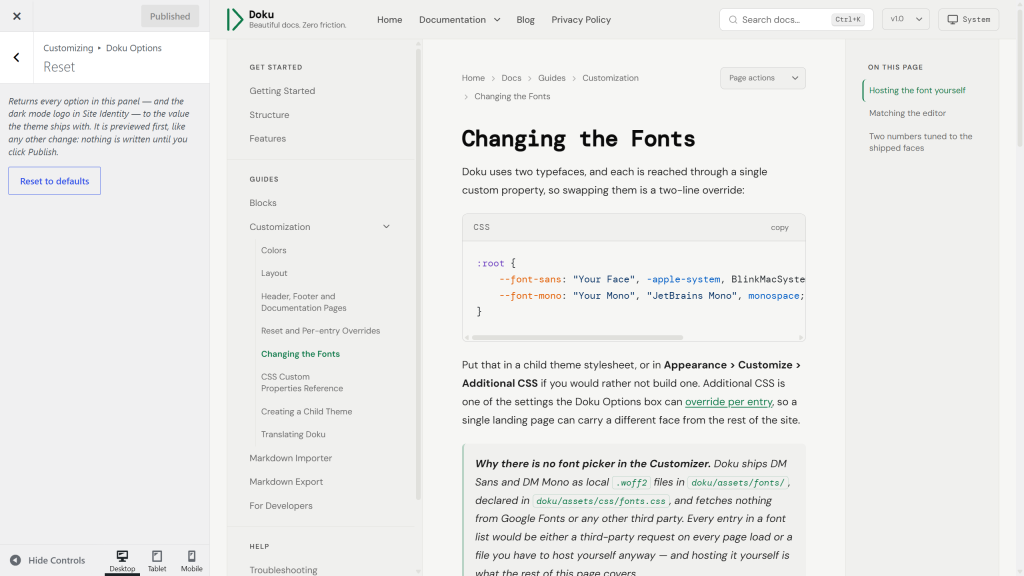
Reset to defaults returns every option in the Doku Options panel — and the Dark mode logo in Site Identity — to the value the theme ships with. Nothing else is touched: your menus, widgets, site title, logo and content stay as they are, and so do any per-entry overrides — those are removed one at a time in the editor, as described below.
It behaves like any other change here. The preview updates straight away, so you see what you are about to get, and nothing is written to your site until you click Publish. Change your mind and close the Customizer without publishing; everything comes back.
Per-entry overrides
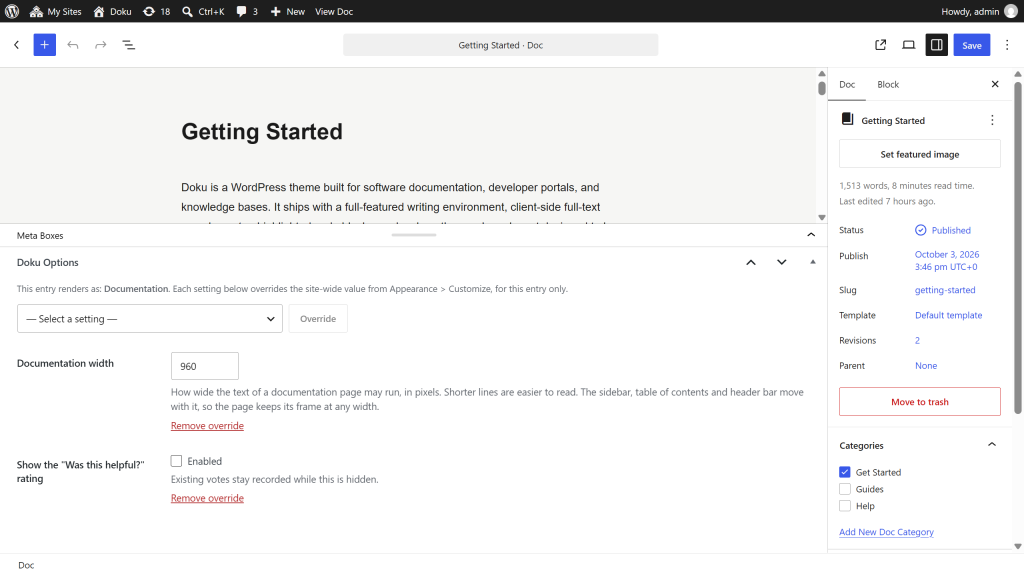
Every option in the Customizer sets one value for the whole site. A single doc, post or page can depart from it: open it in the editor and find the Doku Options box below the content. The box comes with Doku Core, so it is there whenever the plugin is active.
Pick a setting from the list and click Override. A row appears with the same kind of control the Customizer gives you, starting from whatever the site currently uses. Change it and that one entry renders with your value, while everything else keeps the site-wide one. Remove override takes the row away and hands the entry back to the site setting; an entry with no rows stores nothing at all.
The list is not limited to Doku’s own panel. It is read from the Customizer itself and grouped and ordered the way the Customizer is, so it also carries Site Identity — site title, tagline, logo, dark mode logo, site icon — Additional CSS, your menu locations, and any setting another plugin or theme has registered. Anything added in a later release appears here on its own.
Three kinds of setting are deliberately left out, because none of them is a per-page choice: individual widgets and the area they sit in, individual menu items, and the homepage settings from Settings > Reading. So is anything whose value is stored somewhere Doku Core cannot intercept for one page — an offer that changed nothing would be worse than no offer at all.
Additional CSS carries one extra choice, because CSS adds up where other settings replace. Add to the site-wide CSS — the default — keeps your site-wide rules and puts the entry’s after them, so they win where the two disagree. Replace it uses the entry’s CSS alone.
Five things worth knowing:
- An override only applies to that entry’s own page. A post listed on the blog index or among search results is drawn by that page’s settings, not by its own. Two pages are the exception, because their content is shown on a listing rather than at their own address: the overrides of your documentation home page apply to
/docs/, and those of your posts page to every page of the blog list. The line at the top of their box says so. - Overriding Default color scheme only affects a first-time visitor. Anyone who has used the header toggle keeps their own choice, exactly as described under Dark Mode.
- The reading width follows the entry’s family. The line at the top of the box names which family the entry renders as. A doc or a post reads Content width, while a page’s article fills whatever its side columns leave, so turning one of the page column toggles off is how a single page gets a wider column.
- Reset to defaults does not clear overrides. It returns the panel’s own values; per-entry rows are removed one at a time in the editor.
- Overrides are kept through a theme switch. Under another theme the box lists that theme’s settings. Rows for settings it doesn’t have, such as Doku’s own panel, are hidden but kept, and apply again when you switch back.
The box is shown to users who are allowed to customize the theme. An author or contributor who can edit the entry does not see it, and cannot change how its page is drawn. A setting that asks for a permission of its own — Additional CSS is the one core ships — is listed only for accounts that hold it.