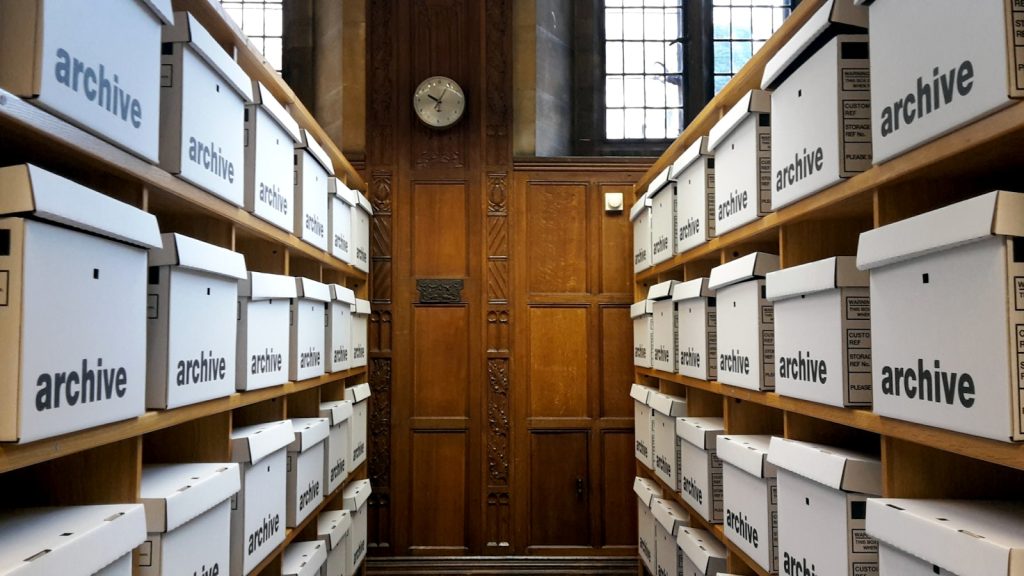
The mistake that makes a Confluence migration painful is treating it as an export. A wiki space accumulates meeting notes, decision records, half-finished drafts and pages last edited four years ago, all mixed in with the documentation, and a wholesale export carries every bit of it across, along with macros that have no equivalent anywhere else. The migration that works runs in the other order: audit first, decide what is actually documentation, and migrate only that. Everything else stays where it is, or is archived.
Expect the audit to keep somewhere between a fifth and a half of the pages. That is not a failure of the migration; it is the reason to do one.
Why teams move off Confluence for public documentation
Confluence is a good wiki and a poor public documentation platform, for reasons that have little to do with its quality.
- It is optimised for writing, not reading. The reading experience is a wiki page: no versioning of content, weak navigation for a linear learning path, and search tuned for an internal knowledge base.
- Public sharing is awkward. Anonymous access requires configuration many organisations will not permit, and the URLs are unstable in ways that break inbound links.
- Content is not portable. Storage format is XHTML with proprietary macros. Getting it out is a project, and that fact tends to be discovered late.
- It is invisible to search engines and assistants. If your documentation is not crawlable, it does not exist to anyone who has not already found your site.
None of that argues against Confluence for internal work. It argues for a boundary: internal knowledge stays in the wiki, external documentation lives on a site built for readers.
What will not survive the move
| Confluence feature | What happens | What to do |
|---|---|---|
| Info / note / warning macros | Converts cleanly to callouts. | Map each macro type to a callout variant before you convert. |
| Code macro | Converts, but the language attribute is often lost. | Sample a few and fix the language mapping once, not per page. |
| Expand macro | Converts to a collapsible section. | Nothing to do. |
| Page tree macro | No equivalent; it was generated navigation. | Delete it. Your new site generates its own sidebar. |
| Jira issue macros | Renders as a broken reference. | Replace with a plain link, or remove. Public readers cannot see your Jira anyway. |
| Attachments | Export as loose files with mangled names. | Re-upload deliberately and rewrite the links. Budget real time for this. |
| Comments | Not exported in any usable form. | Read them before you migrate. They are the best record of what confused people. |
| Page history | Does not travel. | Accept it. If you need the history, keep the space read-only rather than deleting it. |
Years of inline comments are the closest thing you have to usability testing on your existing documentation. They are lost in every export path, and they will tell you exactly which paragraphs to rewrite as part of the migration. Skim them, take notes, and only then start converting.
The migration, step by step
-
Inventory every page with its last-edited date, its author and its view count over the past year. Confluence can export this; a spreadsheet is fine.
-
Sort each page into keep, rewrite, archive or delete. Do this before touching a converter. Anything with no views in a year and no edits in two is archive by default: argue it back in if someone objects.
-
Design the new structure first. Do not reproduce the space tree. Wiki hierarchies grow by accretion; a documentation site needs an intentional shape, which is a separate exercise. See How to Structure a Documentation Site.
-
Export and convert to Markdown. HTML export plus Pandoc handles the bulk. Convert everything you are keeping in one batch so the output is consistent.
bashexport.sh# Export the space, then flatten the storage-format HTML to Markdown. confluence-cli export --space HANDBOOK --format html --out ./export pandoc ./export/**/*.html \ --from html --to gfm-raw_html \ --wrap none \ --output-dir ./markdown -
Add front matter. Title, slug, description and tags per file. The slug is the decision that matters most: it is your URL for the next several years, and it should be short and stable rather than a transliteration of the wiki title.
markdowndeploying-to-staging.md--- title: Deploying to staging slug: deploying-to-staging description: Push a build to the staging cluster and verify it came up clean. tags: [deployment, staging] --- # Deploying to staging -
Fix the internal links. Confluence links are page IDs. Build a map from old ID to new slug during the export and rewrite them in one pass, then check for anything you missed by grepping the converted files for the old host.
-
Import, then review every page. Every page, not a sample. Conversion errors are not evenly distributed; they cluster in the pages that used the most macros, which are usually the most important ones.
-
Redirect the old URLs. If the space was public, every old URL needs a redirect to its new home. If it was internal, put a banner on each page pointing at the new site and leave the space read-only for a release cycle.
Convert once, in bulk, and keep the script
Resist converting pages by hand as you go. A batch conversion has one set of bugs that you fix once; a hand conversion has a different set on every page, and none of them are reproducible. Keep the conversion script in the repository even after the migration is done: you will re-run it, because the first pass always misses something.
Pick ten pages that between them use every macro you rely on, convert them end to end, and publish them. You will find the two or three conversion problems that matter in an afternoon rather than three weeks in, and the fix applies to the whole corpus.
Problems you will hit
Tables come through with empty cells or broken alignment
Confluence tables with merged cells have no Markdown equivalent, and Pandoc will silently drop the merge. Grep the converted output for table rows whose cell count differs from the header, and fix those by hand, usually by splitting the table into two.
Every image is named image-2019-4-3-11-22-31.png
Expected. Rename them as part of the review pass, using the page slug plus a short description, and write real alt text at the same time. This is tedious and there is no way around it, but it is also the only chance you will get to fix a corpus-wide accessibility gap in one sitting.
Nested lists lose a level, or turn into paragraphs
Confluence’s storage format uses inconsistent indentation for deeply nested lists. Anything past three levels is worth checking by hand, and worth flattening, because a four-level list was unreadable in the wiki too.
Some pages convert to a wall of raw HTML
That is a page built almost entirely from macros. Rewriting it is faster than fixing the conversion, and it is usually a page that needed rewriting anyway.
Anchors and deep links from support tickets break
Confluence generates heading anchors differently from most Markdown toolchains. If you have inbound deep links that matter (support macros, ticket replies, runbooks), map the old anchor form to the new one and add the redirects. Where you cannot, landing the reader at the top of the right page is an acceptable loss.
What to do with the old space
- Make it read-only on cutover day. Two editable copies of the same documentation is the failure mode that undoes the whole migration, and it takes about a week to set in.
- Put a banner on every migrated page linking to its new home. Not a space-level notice, but a per-page link, so nobody has to search twice.
- Keep it for a release cycle, then archive it. Deleting it immediately strands every link in every ticket you have ever answered.
- Tell the people who wrote it. Migrations fail politically far more often than technically, and the authors of the pages you archived are the ones who will notice.
A migration is a rare licence to delete things. Spend it: the corpus you carry across is the corpus you have to maintain.
Doku’s Markdown importer takes a folder or a zip of converted files, maps front matter onto the post, its excerpt and its taxonomies, turns each file’s folder into a category, and updates posts in place when you re-import, which is what makes running the conversion twice cheap. See How to Migrate a GitBook Space to WordPress for the same process with GitBook-specific syntax.
The audit-first advice saved us a month. We found 40% of our Confluence pages were duplicates nobody had opened in two years.
Any guidance on redirects? We kept the old Confluence URLs alive for six months and it was worth the trouble.